Works on iPhone and Android. Add it to your Home Screen and it's an app.
Private to your familyNo ads, no trackersAny phoneNotifications that matter
What's inside
Everything the house runs on, in one place.
Built for real households: parents, kids, grown kids, and the grandparents who want to see the pictures.
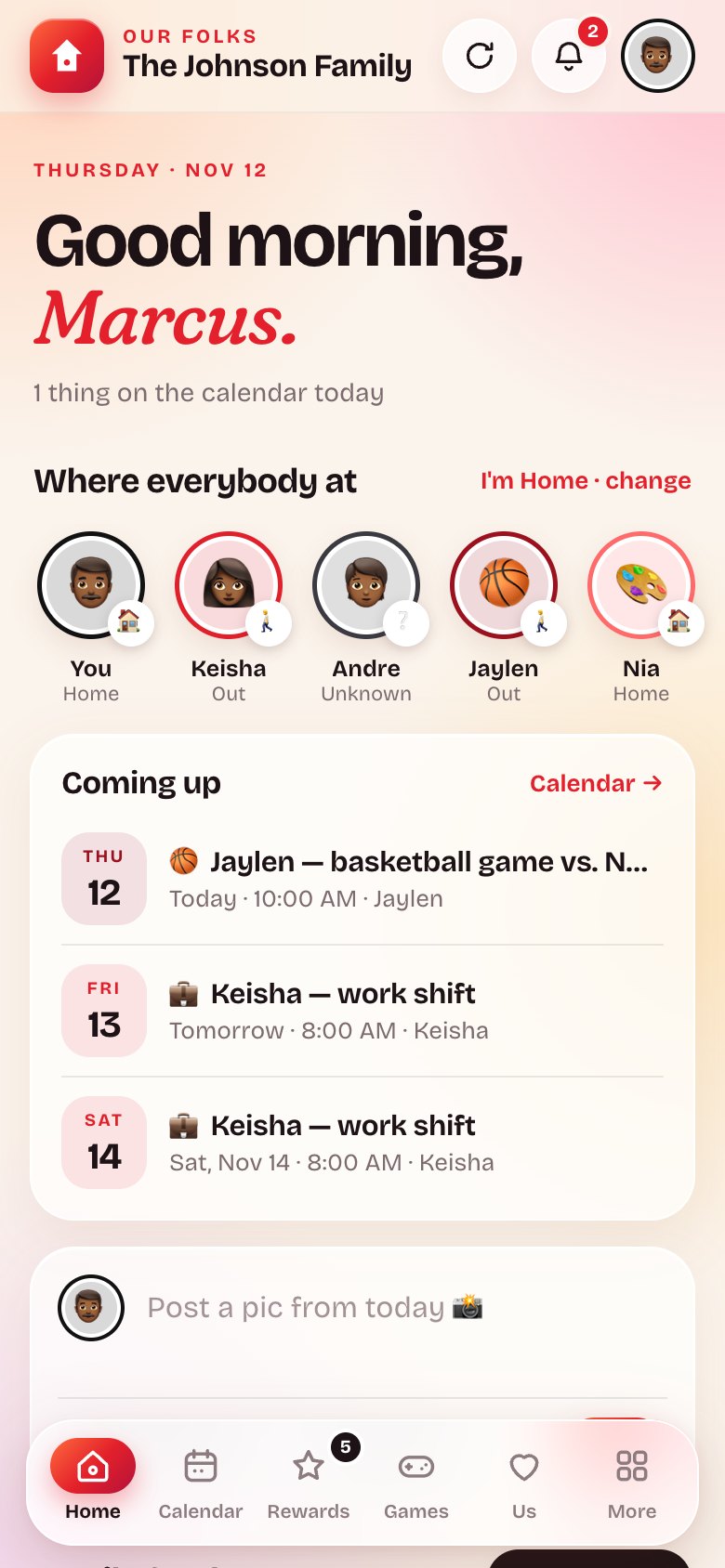
The family feed
Wins, photos, clips and announcements. React, comment, and see who's home.
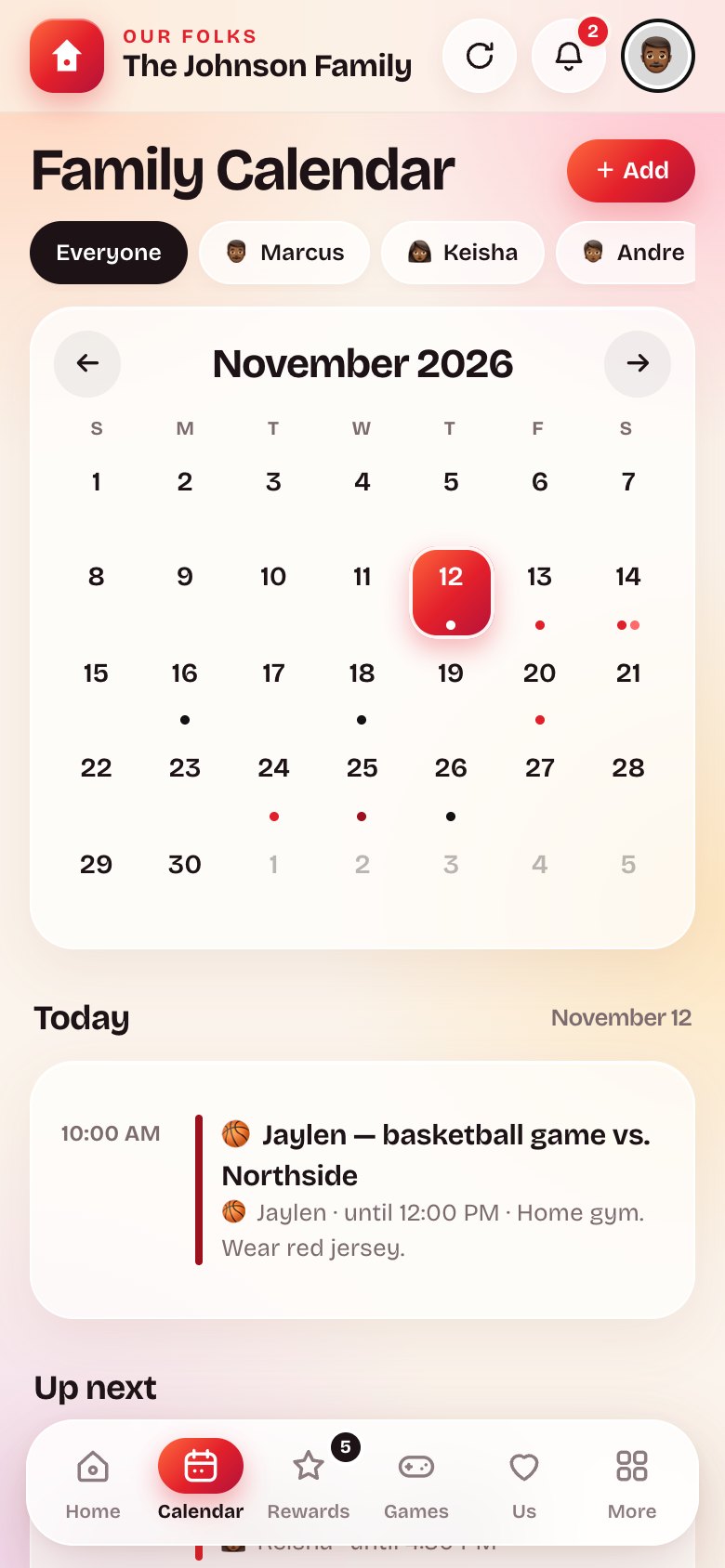
One calendar
Games, shifts, appointments and trips, color-coded by person. Everybody sees what's coming.
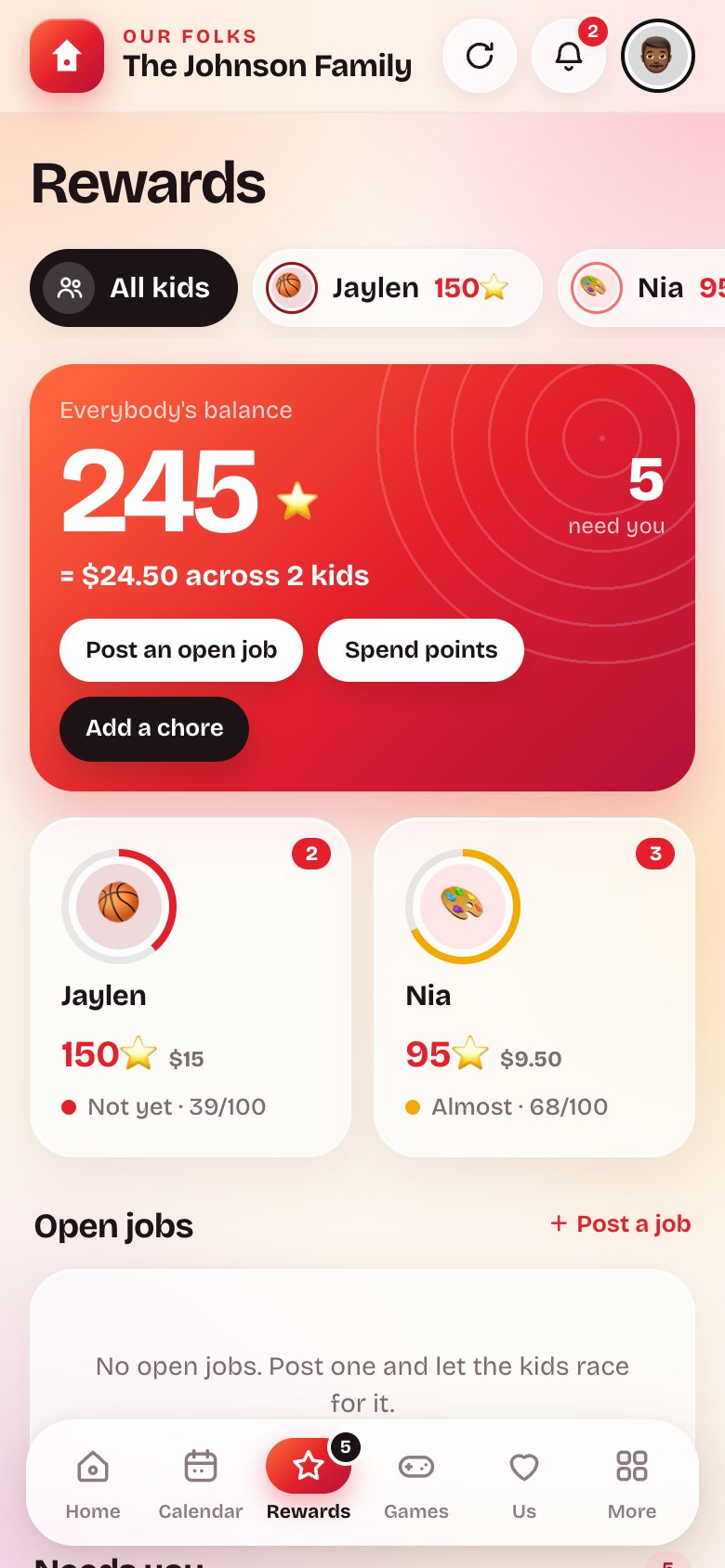
Chores and points
Post a chore, a kid claims it, you approve it, the points land. Open jobs let them race for it.
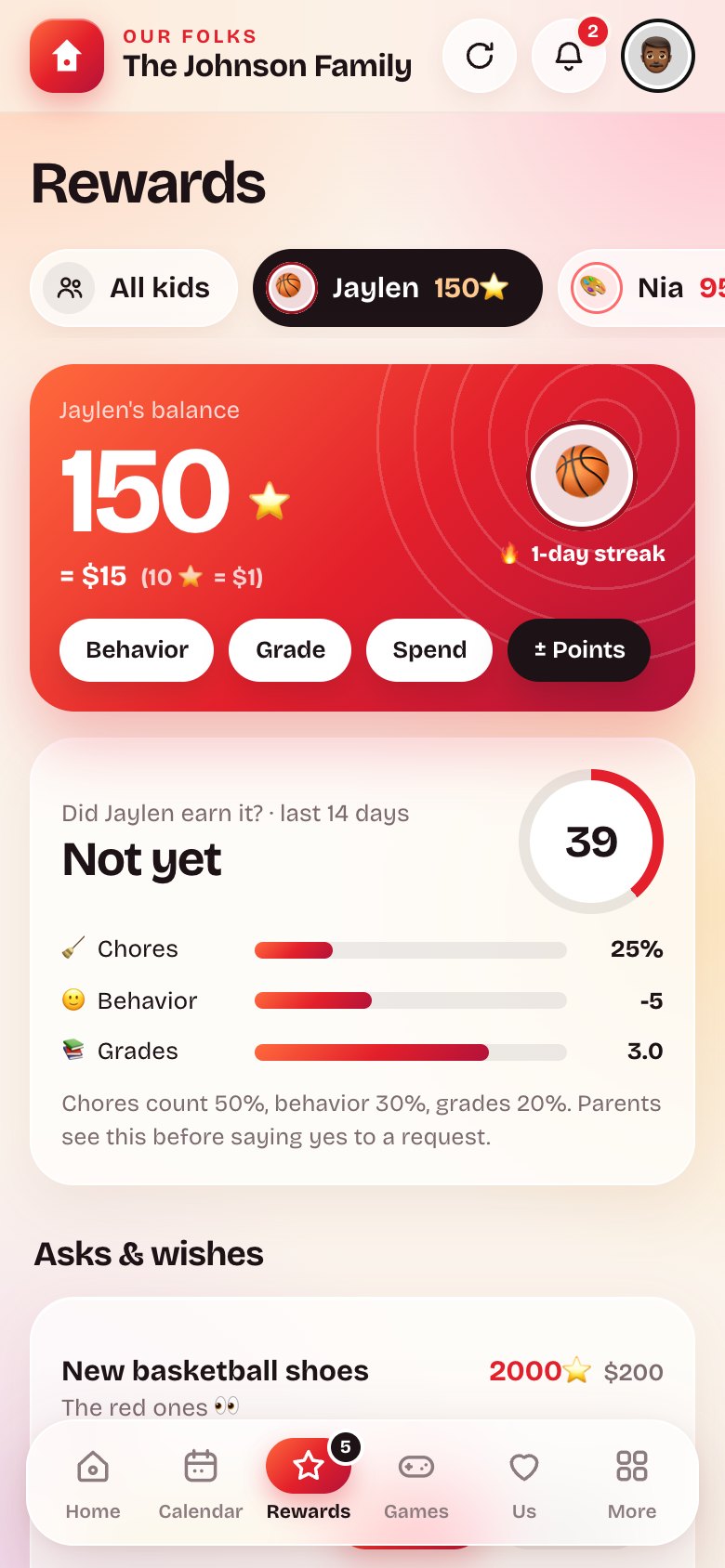
Rewards that mean something
Points turn into real rewards you set. Progress bars keep them motivated, and you in control.
Games, phone to phone
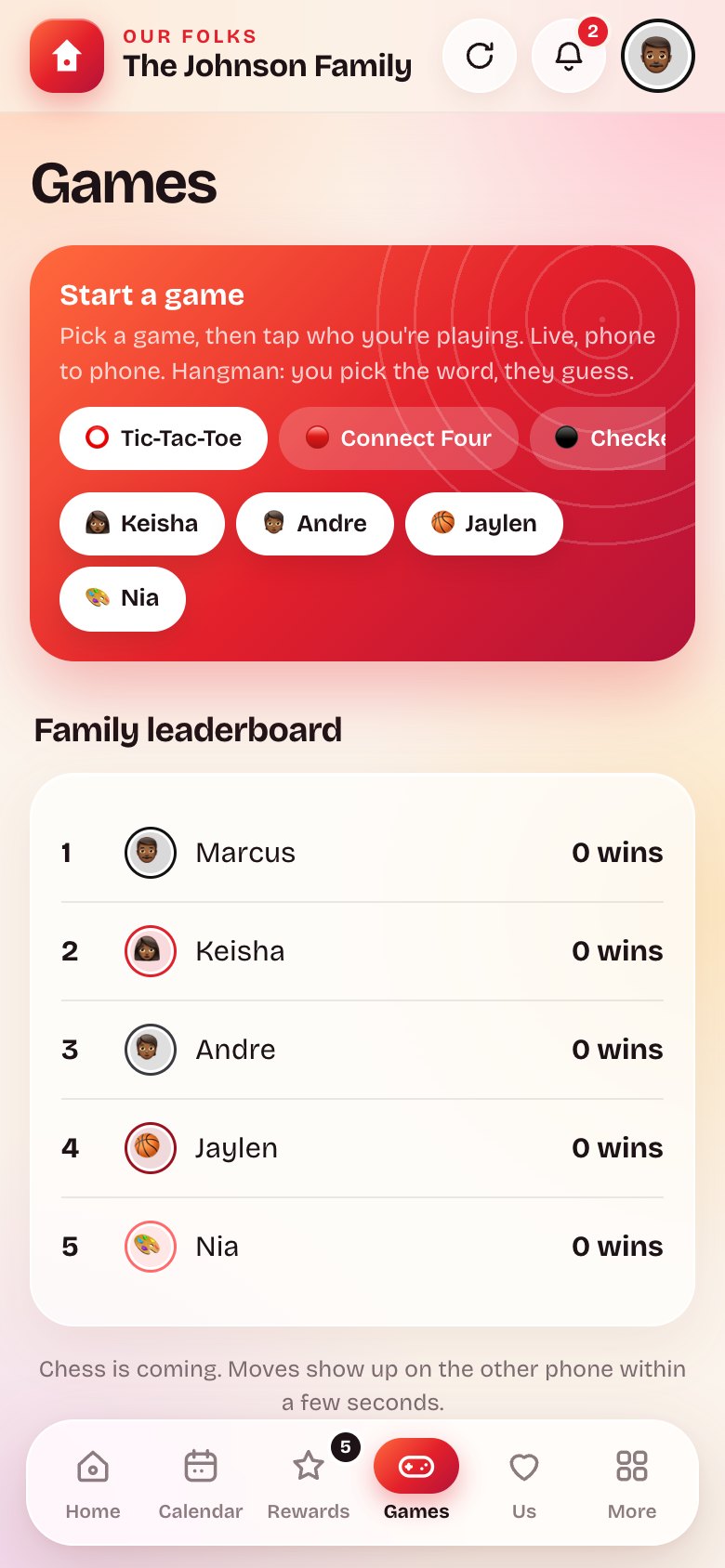
Tic-Tac-Toe, Connect Four, Checkers, Hangman and Battleship, live between any two people in the house.
Us: parents only
Gift ideas, date nights and private notes between the parents. The kids never see it. Not even with tricks.
Shopping and meals
One shared shopping list and this week's meal plan, so nobody asks "what's for dinner" twice.
Votes and countdowns
Family votes for the big decisions. Countdowns to birthdays and trips.
Notifications that matter
A chore got done, a game move is waiting, something's coming up today. On every phone in the house.
For the parents
You hold the keys.
Every family is its own locked room. Parents get a parent link, kids get a kid link, and the roles are enforced on our servers, not just on the screen.
Invite links, by role
A kid's link can only ever make a kid. Reset any link in one tap if it gets out.
The parents' corner stays private
The Us section never leaves our servers for a kid's phone. Developer tools won't find it.
No ads. No trackers. No selling.
Your family's data is used to run your family's app. That's it.
How it works
Up and running before dinner.
No app store, no accounts to create for the kids, no card.
1
Start your family
Open ourfolks.family, tap Start, pick your name and a PIN. You're the first parent.
2
Share the links
Text the parent link to your partner and the kid link to the kids. Each person picks a name and an emoji.
3
Add it to the Home Screen
Share → Add to Home Screen. Now it's an app with an icon and notifications, on every phone.
Price
Free during early access.
We're opening the doors family by family right now. Start yours today and help shape what comes next.
Not yet, and you don't need it to be. Open ourfolks.family in your phone's browser, tap Share, then Add to Home Screen. It gets an icon, runs full screen and sends notifications like any app.
Who can see our family's stuff?
Only the people you invite, with the links you give them. Each family is separate. The parents' Us section is never sent to a kid's phone.
Do the kids need an email or a password?
No. A kid opens the kid link, picks their name and emoji, and they're in. Parents and grown kids set a PIN.
What does it cost?
Nothing during early access. If that changes, the parents in your family hear about it first, inside the app, before anything happens.
Can we leave and take our stuff?
Yes. Ask and your family's data is removed. A one-tap export for parents is on the way.